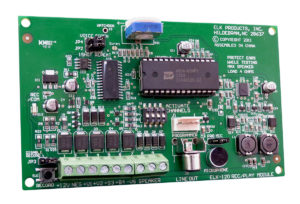
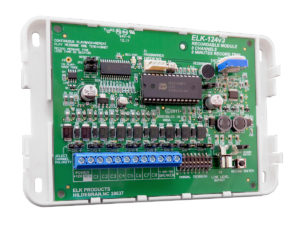
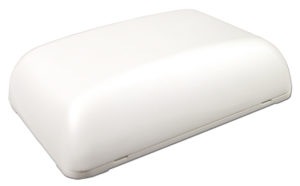
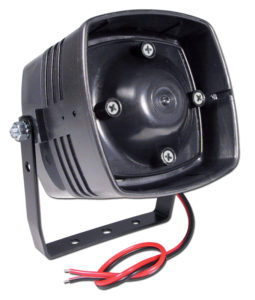
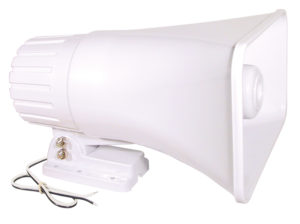
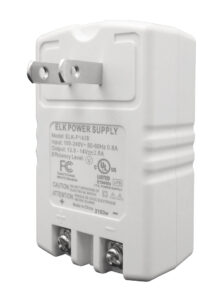
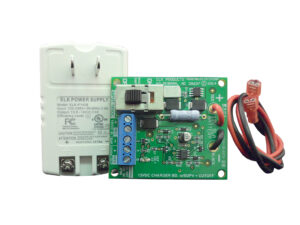
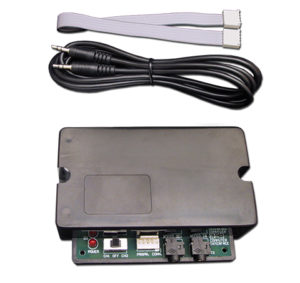
Bring your Halloween displays and haunted attractions to life with the ELK-120 recordable voice module, the perfect way to unleash eerie sound effects, chilling screams, or ghostly whispers right on cue. With the ELK-129 Sound Card Interface, you can quickly transfer custom audio files from your computer to the ELK-120, making it easy to load in the exact sounds that set the tone for your haunt. Pair it with ELK’s lineup of speakers—like the compact ELK-73, the versatile ELK-SP30, or the concealable ELK-44—to place your audio exactly where you need it, hidden or in plain sight.
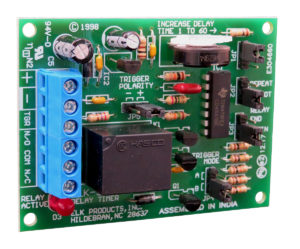
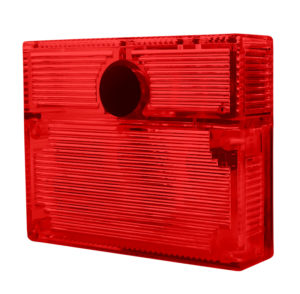
Take the fright factor even further with ELK’s red and orange strobe lights, flashing in sync with your sounds for a spine-chilling light-and-sound combo. Add ELK relays for precision control—the ELK-960 Relay with Timer is ideal for setting how long an effect lasts or delaying the next scare. Trigger your setup with door contacts, motion sensors, or pressure mats to make screams, strobes, and effects erupt the moment someone steps too close. With this flexible, powerful lineup, you can craft immersive, unpredictable scares that keep guests on edge and make your haunt unforgettable.
Need some inspiration? Check out our playlist of spooky & spine-chilling sounds below.
Hear something you like? Download the playlist

Find even more chilling and thrilling Halloween sounds on Pixabay! Here's a few of our favorites:
HOW IT WORKS
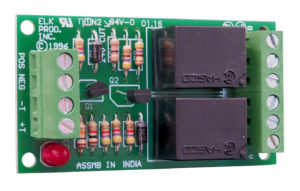
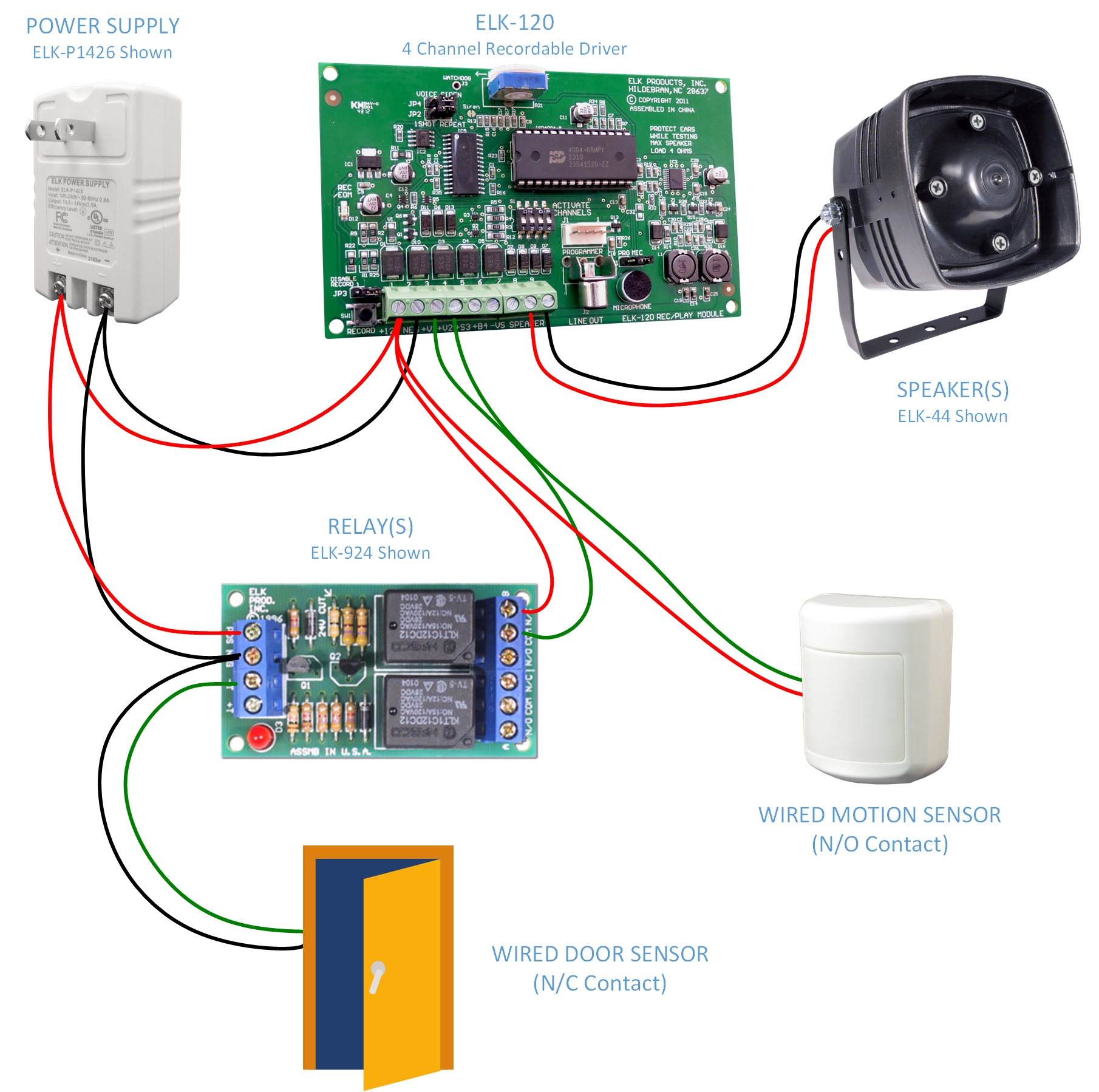
This example shows how a door contact and a motion detector can trigger two different sounds on the ELK-120. In general, devices with a normally open (N/O) contact can be wired directly to the ELK-120 for triggering. Devices with a normally closed (N/C) contact require the use of a relay to convert the signal before triggering the ELK-120. In this setup, the N/C door contact is wired through an ELK-924 relay, which activates the ELK-120 when the door opens. The motion detector, with its N/O contact, is connected directly to the ELK-120.
Getting sounds into the ELK-120
The ELK-120 makes it simple to load in your own chilling effects with two easy options.
- For quick custom recordings, you can use the on-board microphone to capture screams, chants, or any other eerie sounds right on the spot. Press and hold the record button while "speaking" into the microphone and release when you're done.
- For more advanced setups, the ELK-129 Sound Card Interface lets you transfer audio directly from your desktop computer. The ELK-129 connects between your computer’s sound card and speakers using standard audio cables, while a ribbon cable links it to the ELK-120. Just play the sound on your computer, press the record button on the ELK-120, release when the audio finishes, and your chosen sound is ready to play back from the ELK-120.